
Several courses on one A4. Scale preserved.
Plurimap is a Windows app for orienteering course setters. Choose the folder with your PDF maps from Purple Pen or OCAD, and the map sections are cropped and placed on the sheet automatically, at exactly the same scale as the source file. Training sessions, exercises, forkings or a full race course: the printout is ready in seconds.
DownloadSee pricingThree things Plurimap does for you
Scale preserved
Maps are never scaled or rotated. 1:10,000 in Purple Pen is 1:10,000 on paper, down to the smallest control circle. The preview shows A4 and A3 at the same scale.
Automatic cropping and placement
The app finds the course in each map, trims what is not needed and places the map sections on the sheet. The course is centred on the sheet and kept clear of bands and logos. You do not have to move anything yourself.
Several courses on one A4
Several map sections are cropped and placed side by side on one A4 or A3 sheet automatically. Fewer sheets to print and fewer to keep track of in the forest.
And much more happens automatically
A4 or A3
A4 by default, A3 when a course does not fit. A course alone on a sheet fills it with more map around it, at the same scale.
Control descriptions
The length is read from the description. A description far from the course is moved close to it without hiding route choices, and all get the same size. A description you placed by the course is left alone.
Forkings
Add 1a, 1b, 1c … and set how many run at the same time. The app makes one PDF per runner, so nobody in the group shares a variant.
Six overlays
Minimal, Evening, Fells, Forest, Christmas and Control flag, in any colour. Fill in the event name, class, date and organiser. Your own overlays go in a folder.
Club logos
Put logos in the Logos folder and the app places them in white areas far from the course, also in the per-runner PDFs.
Vector, offline
Everything runs on your computer. The result is a sharp vector PDF, single- or double-sided.
Stays up to date
Change a map in Purple Pen or OCAD and the app re-reads the file and refreshes the preview. Swedish and English.
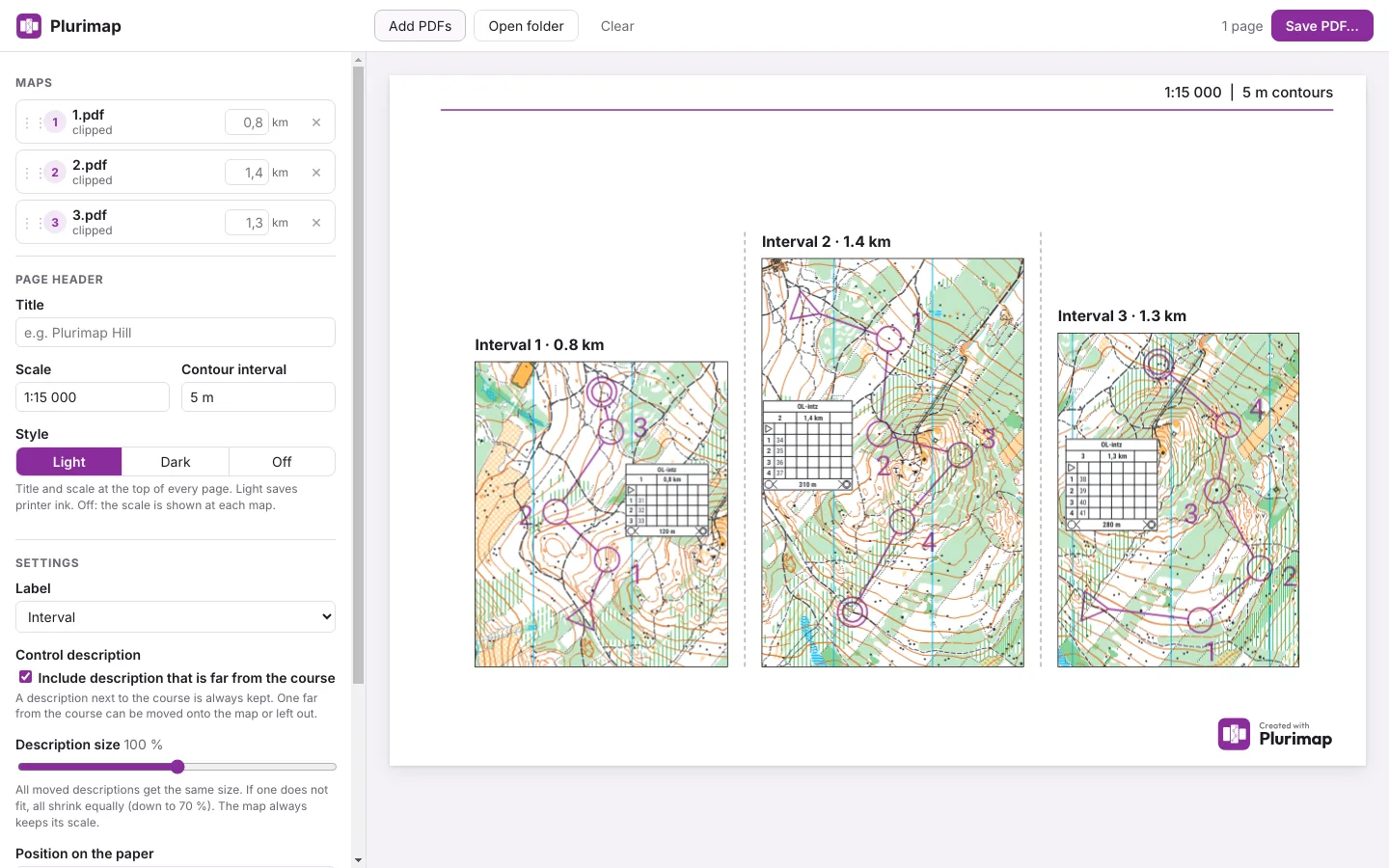
[Before/after: the same intervals printed on three sheets versus one]
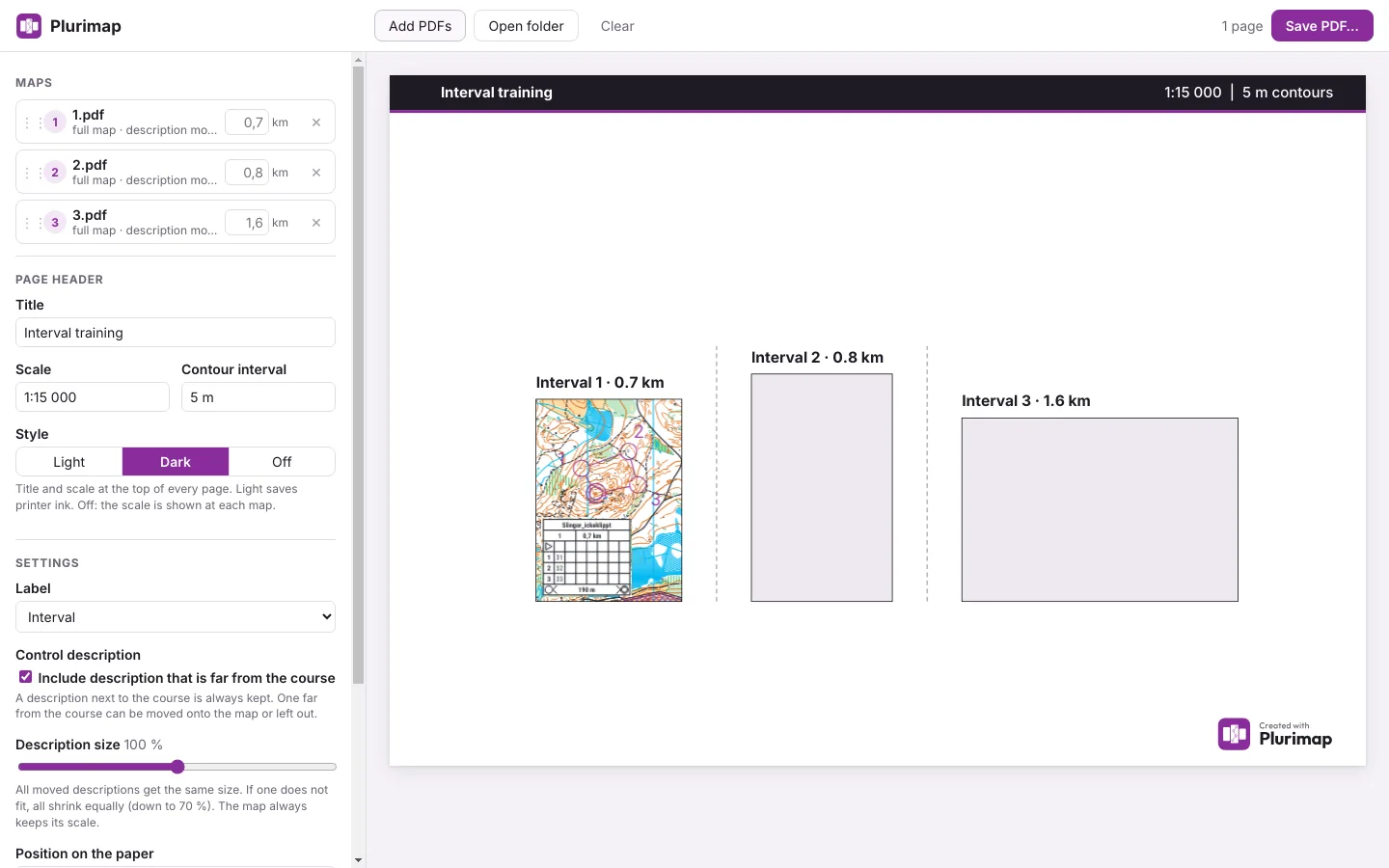
Better for the environment
When several maps share a page, fewer sheets are used. It also takes less colour ink and toner than printing each exercise on its own sheet with large white margins. The app trims the margins and packs the maps closely, so a training session can often fit on one sheet instead of several.
How much you save depends on the number of exercises and the size of the maps.